Sonic Design: Game Audio
For our final project, we're provided with five silent game videos to craft the in-game atmosphere. From these options, we select one video and personally record the sound effects. Using various setups, we manipulate these sound effects to enhance and animate the silent game scenario. Students are tasked with recording audio using diverse objects and materials.
I've choose to record the audio from home instead of utilising the recording studio.
This is the video I choose to use:
I selected a 1-minute and 4-second gameplay video of Battleblock Theatre because it intrigued me the most. Initially, I watched the video multiple times, noting scenes that required sound effects. Next, I created an audio storyboard by timing out the sounds, grouping them, and listing each group's timeline in the storyboard.
In the video, there are several sound assets need to be recorded:
To record the game audio, I've found several items at home to make the sound effects:
Walking and landing

Collecting gems

Passing bushes

Jump

Enemy Jump

Kick attack

Throwing bomb

Bomb timer

Tunnel

Badges collected
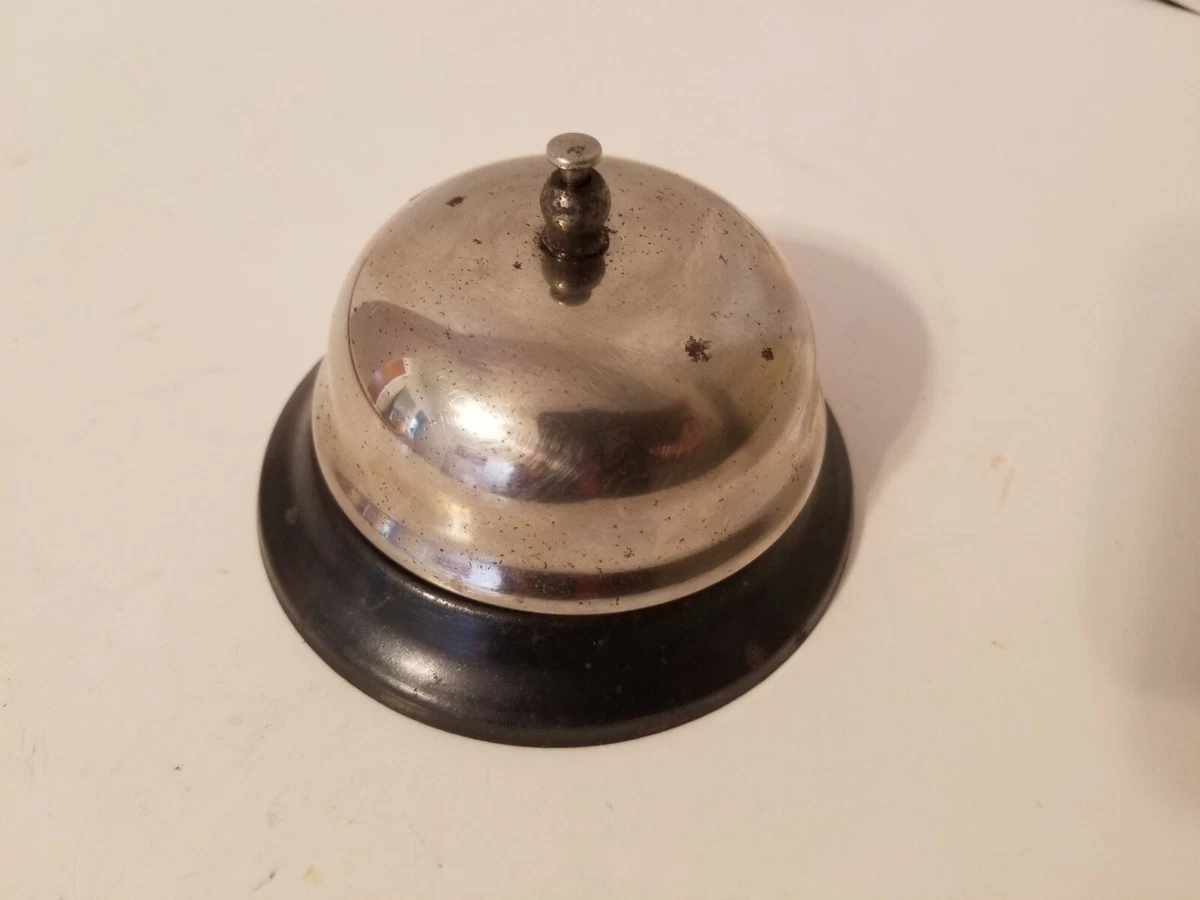
After I recorded all the sounds, I uses different effects in Adobe to edit for the sound clips.
Noise Reduction:


Parametric Equalizer:


Pitch Shifter:

DeClipper:


Raise Pitch:


FX Production Journal:
Then, I insert the game video as a reference in Adobe Audition and import all the final audio clips to arrange with the video timeline, following to my storyboard earlier.
 |
| Arrange audio clips following with the Storyboard |
Lastly, I also added the pan and arrange each of the clip's volume to ensure the flow of the gameplay.

Finally, this will be the final view of my Project 3 in Adobe Audition:
 |
| Final Output |
Final video with sound:


Comments
Post a Comment